
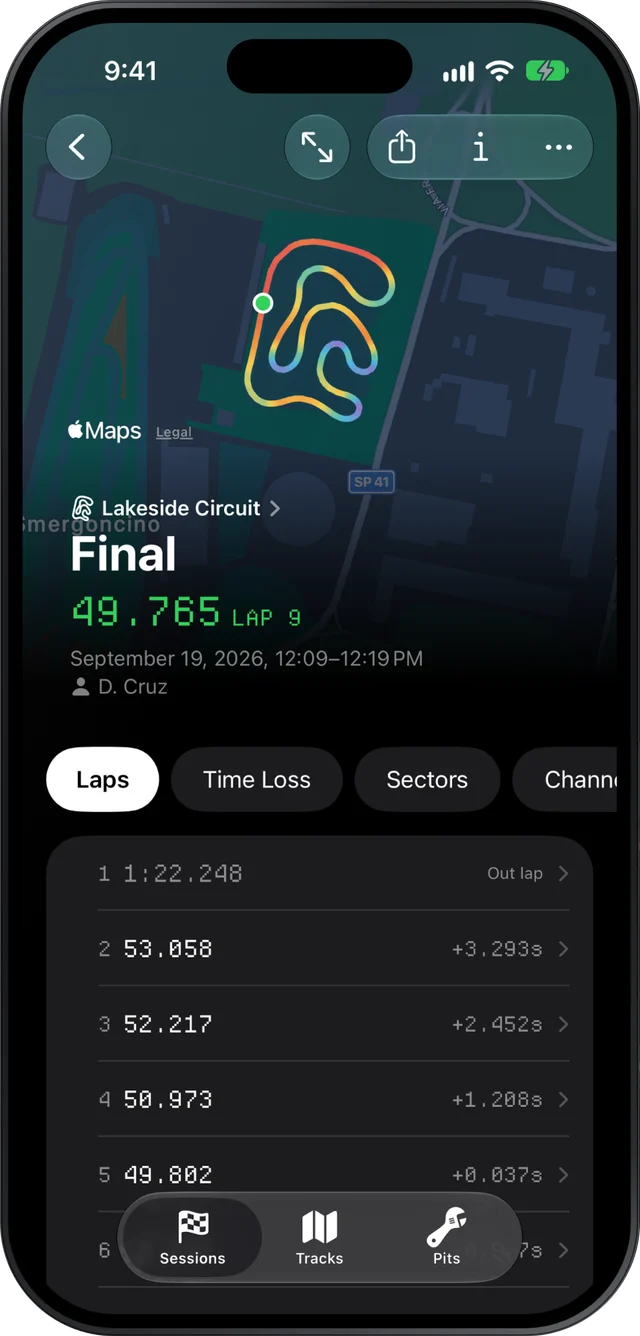
Choose IAME KA100 in Slicks and each session from your MyChron or other AiM logger is checked against one window: 580–650 °C exhaust temperature. The engine is air-cooled, so there is no water reading, and Slicks has no RPM window for it. Peak RPM still appears, without a verdict, beside your laps, sectors and the corners that cost you time.
The KA100 and who races it
The KA100 is IAME's 100 cc two-stroke: air-cooled, with reed-valve intake, an electric starter and a clutch shared with the X30. It is widely raced in North America and Australia, by juniors and adults alike, and plenty of KA100 drivers are in their first seasons, often with a parent doing the spannering.
That shapes what the data is for. A KA100 session tends to be read by someone with a lot to learn from it and not much time, so the order below starts with what keeps the engine healthy and goes straight to where the lap time went. If that is you, the beginner's guide to karting data is a gentler start.
What Slicks checks, and what it only shows
| Reading | KA100 preset | What you get |
|---|---|---|
| Exhaust (EGT) | 580–650 °C | The peak, with a verdict in words and colour |
| Peak RPM | none | The peak, with no verdict |
| Water | none, air-cooled | Nothing to show |
| Any other temperature, such as head temperature | none of its own (one peaking above 200 °C is checked against the EGT window) | Its range, the map coloured by it, its chart |
The exhaust window is the range commonly quoted for IAME engines, not an IAME specification, and it is the same one the X30 preset uses. Your tuner's numbers win. Slicks has no custom windows, so a reading your tuner wants judged differently is read against their figure, not the colour.
No radiator to tape
On a water-cooled kart the radiator is a thermostat you set by hand. A KA100 has nothing like it: the engine's temperature follows the air around it and how hard it is being worked. That makes the exhaust reading move with the day more than you might expect, and it makes the carb the only temperature control you have.
So the routine is simple, and the notes matter:
- Check the exhaust peak on the Setup page. Inside the window, too hot or too cool.
- See where it peaked. Colour the track map by EGT and hold it at the hottest point. The end of the longest straight is normal; anywhere else, open the lap and look at the trace.
- Write down the carb setting when Slicks asks what changed on the kart, and the air temperature in the session's notes, because Slicks does not record the weather. A morning setting and an afternoon setting are rarely the same, and next visit you will want to know which was which.
Reading the exhaust trace itself, and why two karts' numbers do not compare, is covered on the page about EGT and water temperature.
Reading the RPM without a window
The KA100 logs RPM like any other engine, and Slicks shows its peak and charts it along the lap. With no window to judge it, compare it against two things: your tuner's number, and your own sessions at the same track. The Tracks tab keeps every session by circuit, so last month's peak at this track is a tap away.
The gearing question is the same as on any kart: where does the RPM peak, and is it at the end of the longest straight or flat for the last stretch of it? Colour the map by RPM to see. The full method is on the page about kart gearing data, and the sprockets you choose go in the setup when you import.
Where the time goes in a KA100 session
A 100 cc engine does not give back speed you scrub off. A corner taken a few km/h too slow costs you the whole straight after it, so the minimum speed at the slowest point matters as much as anything.
- Time Loss lines every lap up against your fastest, corner by corner, and ranks the corners that cost the most: tenths lost per lap, how much slower you were at the slowest point, and whether you braked earlier or later. Tap the top one to compare the lap that lost the most there against the fastest.
- Compare shows the gap growing or shrinking along the lap. Pick a lap where you were in someone's draft and one where you were alone, and the straight shows what the draft was worth.
- Laps shows how consistent the session was: the spread of the lap times and how many laps were within half a second of your best.
What Slicks does not do for a KA100: it has no RPM window and no custom windows, no window for head temperature, no weather or air-density input, and it reads AiM files only, so an Alfano on the kart is no use to it.
