
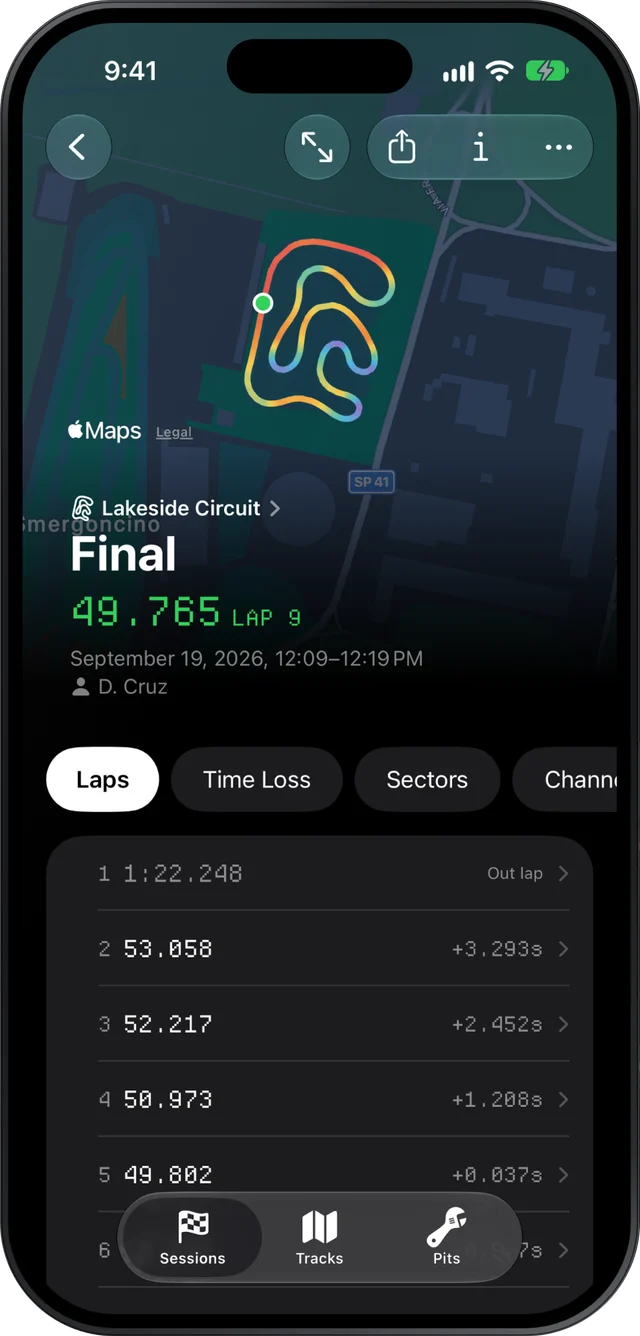
Slicks shows an engine tuner what each session did to the engine within a minute of the kart coming in: peak RPM, exhaust gas temperature and water temperature against the window for that engine, the lowest and highest reading of every channel the logger recorded, and the setup the driver wrote down, on one page. It reads AiM and MyChron XRK files on an iPhone, iPad or Mac.
The Setup page, after every session
Open a session and go to Setup. From top to bottom:
- The engine's peaks against the window. Peak RPM, peak EGT and peak water temperature, each marked in plain words as well as colour, so whether each one sat inside its window takes a glance on a phone screen.
- Every channel's range. The minimum and maximum of everything the logger recorded.
- The kart. Whatever was written down at import: gearing as front and rear teeth, cold pressures on all four tires, the tire set and whether it was new, the carb, and which of gearing, pressures, carb, axle, track width or caster changed.
That order is the order most tuners think in. The engine first, then whether the sensors told the truth, then what was different this time.
The windows Slicks checks against
You pick the engine once, in Pits on the phone or Settings on the Mac. These are the ranges the karting community quotes, not manufacturer specifications, and your own numbers for your engine and your track always win.
| Engine | Peak RPM | EGT | Water |
|---|---|---|---|
| Rotax Senior | 13,500–14,500 | 550–650 °C | 55–60 °C |
| IAME X30 | 15,500–16,000 | 580–650 °C | 50–58 °C |
| IAME KA100 | none | 580–650 °C | none |
| Vortex Rok GP | none | 450–650 °C | 48–60 °C |
| Yamaha KT100 | none | 500–600 °C | none (air-cooled) |
Where a preset has no window, the reading is shown with no verdict. Temperatures switch to °F in the units setting if that is what your notes are in.
Reading the channel ranges
The min–max list is where a bad sensor gives itself away before it costs you a decision. A few things worth a look every time:
- A range of zero, or close to it. An EGT that sat at one value all session is a lead or a probe, not a perfectly steady engine.
- A minimum that makes no sense. A water temperature that drops to ambient mid-session, or an RPM channel with spikes far beyond anything the engine can turn, points at the wiring.
- A maximum that moved and nothing explains it. If the setup log says nothing changed, look at the conditions and the driver before the carb.
Only once the ranges look believable are the peaks worth acting on.
The setup log next to the peaks
The point of having the setup on the same page is cause and effect. Went up a tooth on the rear sprocket? The peak RPM that came with it is right above. Leaned the carb? The EGT peak is there to say what it did.
Slicks asks for the change at import, before it shows a lap time, so the log is written before anyone has a reason to remember it differently. The gearing method itself, how to read where the RPM peaks on the longest straight and what a tooth is worth, is on choosing gearing from kart data. The temperature side, reading exhaust and water and what to change, is in kart EGT and water temperature.
When the peak needs a place on the track
A peak tells you how high; it does not tell you where. For that, tap a lap. The lap screen charts every reading the map can be coloured by against one distance axis, RPM and the temperatures included, with one cursor across every chart and the map. Colour the track map by RPM or EGT and the hottest or highest stretch shows up on the circuit itself; hold the map to read the exact value at a point.
On a Mac, the Channels tab lists every channel with a sparkline, and charts the one you pick over time or distance with a hover cursor and zoom. It is the closest Slicks gets to a tuner's bench.
Reading a driver's shared link
Most tuners look after more than one kart, and most of those karts are not in the same pit. A driver can send you a link from the session's Share menu. It opens as a read-only page in any browser, with no app or account: the engine's peaks, the setup, the notes, the best lap, sectors and consistency. It is enough to answer "is it safe to go out again as it is?" from the other end of the paddock. The driver can stop sharing at any time, and the link never hands out the original file.
When you need the channels along the lap, ask for Send File instead and open the XRK in your own copy of Slicks.
What Slicks does not do for tuners: no custom engine windows, no math channels, no CSV export, no engine-hour tracking, and no overlaying one session's EGT on another's. It does not configure or download the logger; that stays with AiM's software.
