
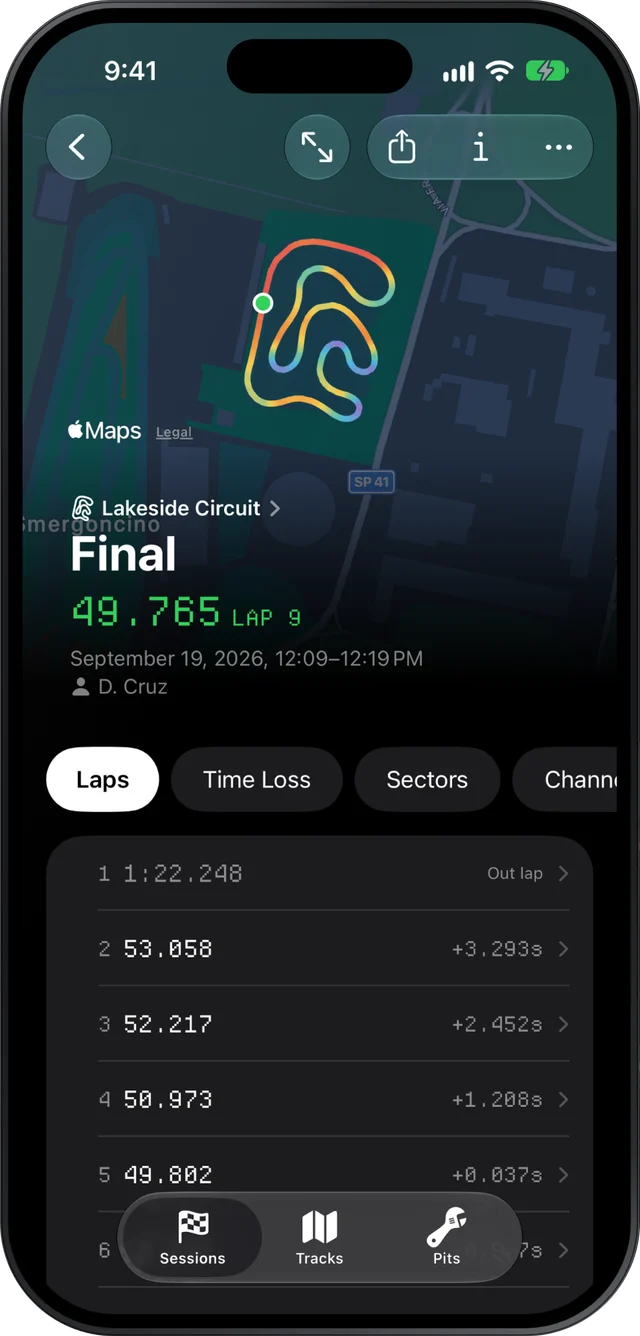
Slicks is a theoretical best lap calculator that needs nothing from you. Open an AiM or MyChron session on an iPhone, iPad or Mac and it splits every lap into sectors, finds the best time through each, adds them up and shows the result beside your fastest lap, with how far each sector of that lap was from the best.
Where you find it
On the session screen, open the Sectors page. You get three things:
- the best time through each sector this session,
- how far your fastest lap was from each of those bests,
- the theoretical best, the sum of the bests, with its gap to your fastest lap.
There is nothing to set up. No sector lines to place, no beacons to configure, no timing file to import next to the logger file. If the session has GPS, the sectors are there.
Tap any lap to open it on its own and you see that lap's sectors against the session's bests, which is the quickest way to find out which lap set a best sector.
A worked example
Here is a short session cut into three sectors, with the best time in each column in bold:
| Lap | Sector 1 | Sector 2 | Sector 3 | Lap time |
|---|---|---|---|---|
| 3 | 14.82 | 15.40 | 14.95 | 45.17 |
| 6 | 14.76 | 15.51 | 14.88 | 45.15 |
| 8 | 14.90 | 15.33 | 14.91 | 45.14 |
Your fastest lap is lap 8, a 45.14. The best sectors are 14.76 + 15.33 + 14.88 = 44.97, so the theoretical best is 0.17 s quicker than the lap you did.
Now read the gap sector by sector against lap 8:
- Sector 1: 14.90 against 14.76, 0.14 to find
- Sector 2: lap 8 set the best
- Sector 3: 14.91 against 14.88, 0.03 to find
Almost all of it is in sector 1, and lap 6 shows it can be done. That tells you where to spend the next session. Open lap 6 and lap 8 together in lap comparison and look at the start of the lap on the speed trace.
Why the number changes with the sector count
Slicks cuts each lap into equal-distance sectors, three by default. On the Mac you can choose anywhere from 2 to 10, and everything updates when you do. The number of sectors changes the theoretical best, and in a predictable direction.
More sectors usually means a lower theoretical best. With ten sectors you are picking the best of ten short pieces instead of three long ones. A good corner on lap 4 no longer has to share a sector with a poor one on the same lap, so more of your best moments get counted.
More sectors also means a noisier one. A short sector lasts a few seconds. A tiny difference in where the GPS puts the line, or a wobble in the speed, is a bigger share of that time. Past a point the theoretical best stops describing your driving and starts describing the noise.
In practice:
| Sectors | What it is good for |
|---|---|
| 3 | A steady number to track from session to session |
| 5 or 6 | Narrowing a slow sector down to a corner or two |
| 8 to 10 | A close look at one session, read with care |
Only compare theoretical bests worked out with the same number of sectors. If yours suddenly dropped, check the sector count before you celebrate.
Using the gap, not just the number
The theoretical best is optimistic on purpose. Its pieces come from different laps, on tires at different temperatures, with traffic in different places. Treat it as a pointer to where the time is, not a lap you are owed. Our longer article on what the theoretical best lap means goes into why, and what a big or small gap says about your driving.
What this page adds is the habit: write down the gap after every session at the same sector count. A gap that shrinks through the day means you are putting your good pieces together. A gap that stays put while your best lap gets faster means the whole lap is improving at once. For the other half of the picture, how close your laps are to each other, see lap time consistency.
What it can't do
Sectors in Slicks are always equal lengths along the lap. You can't draw your own sector lines at braking points, and the sectors won't match the circuit's official ones. A session without GPS has no sectors, and so no theoretical best.
